- Tools
- Resources
- Pricing
- API
- Contact Sales
- Book a Demo


Click or drag here to upload images
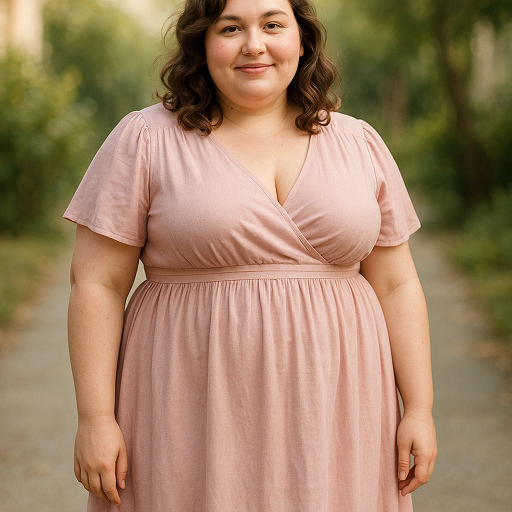

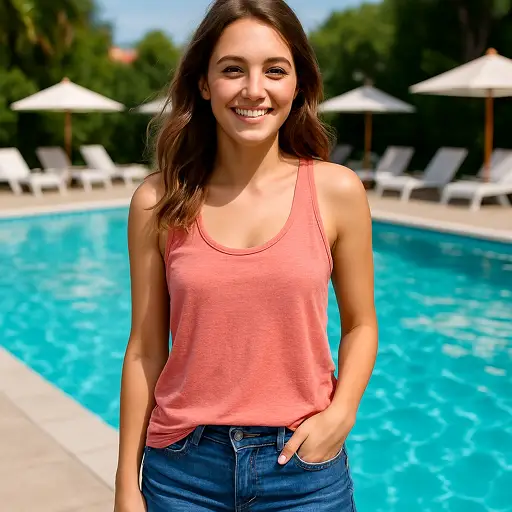
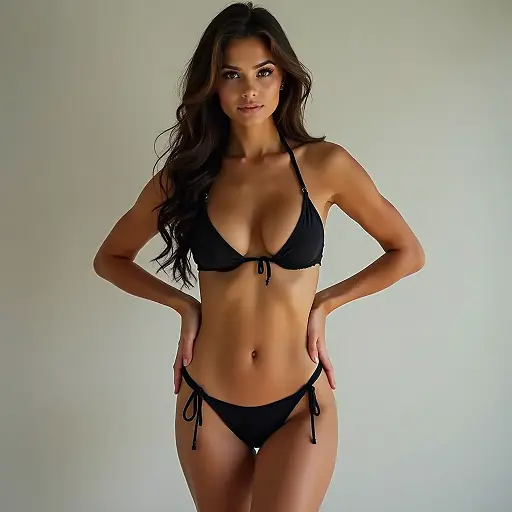
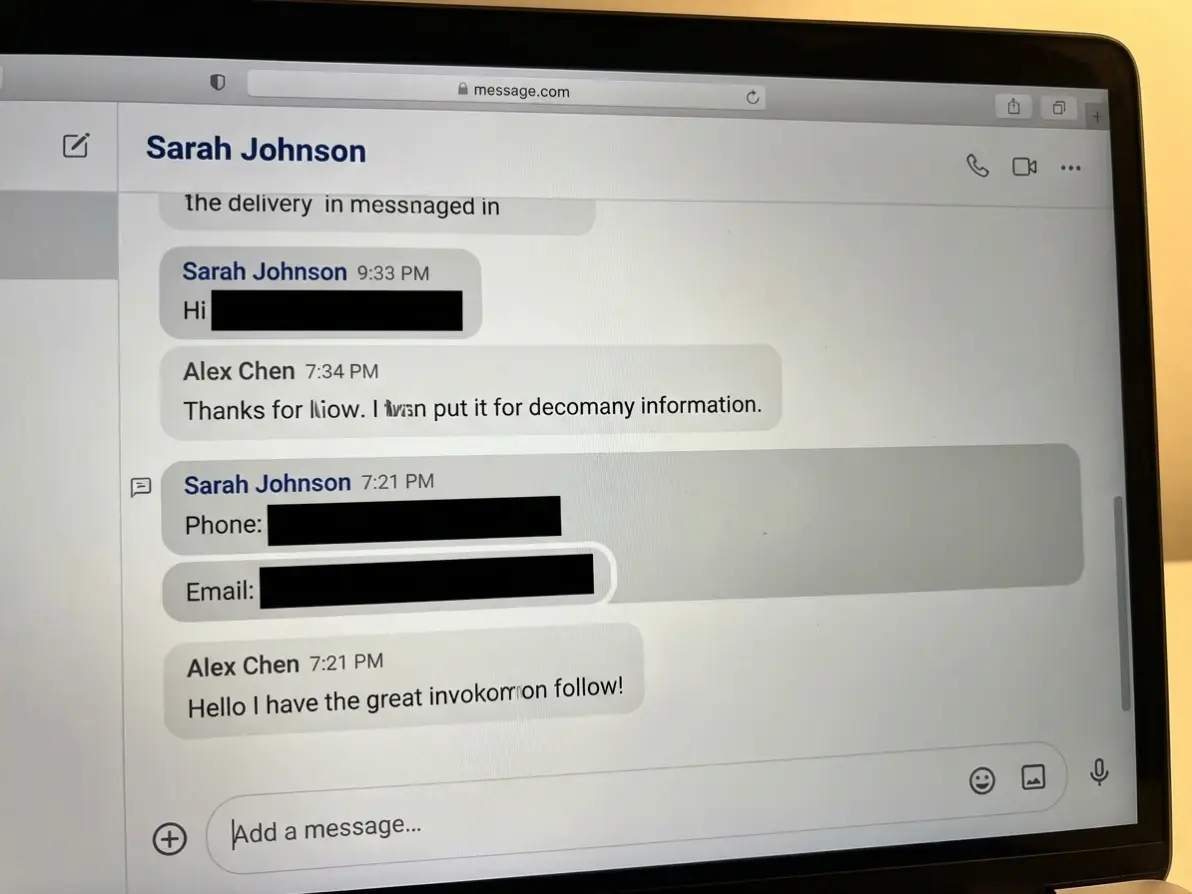
Mask Sensitive Data
Add censor bars to personal info, addresses, or contact details in screenshots and shared images.
Try now for free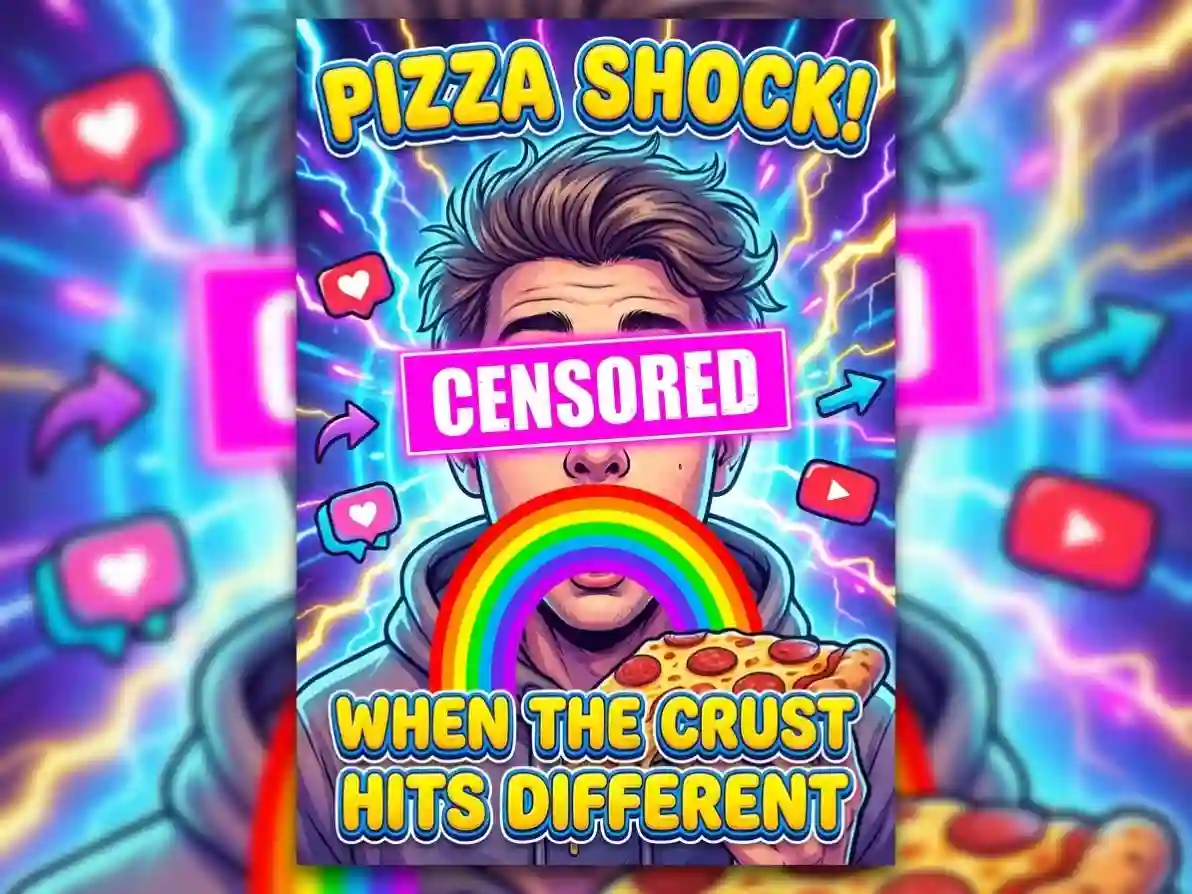
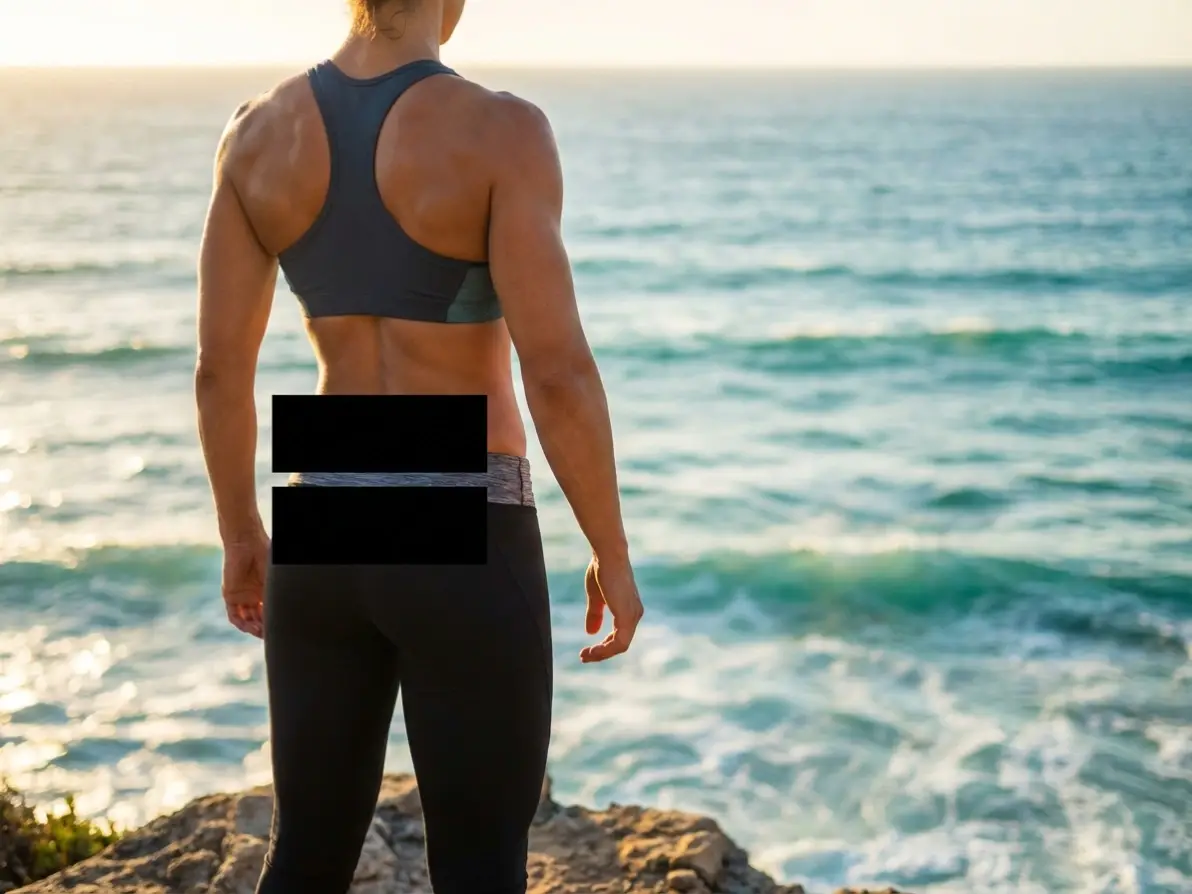

Precision Censor Bar Placement
Our AI-powered selector lets you target exact regions to censor—no messy, uneven bars. Perfect for masking small details or large areas with zero errors.

100% Free to Use (No Watermarks)
Generate unlimited censor bar images with basic features—no subscriptions, hidden fees, or watermarks on high-resolution downloads.

Instant Generation (5 Seconds or Less)
Skip manual editing—Dzine AI applies censor bars or censorship overlays in seconds, so you can iterate fast and meet tight deadlines.

Fully Customizable Censor Bar Styles
Adjust color, opacity, size, and effect (solid/blur/gradient) to create censor bars that match your creative or professional needs.

No Design Skills Required
Upload an image, select a region, and type a simple prompt—our AI handles all the hard work, so anyone can create professional censor images.

GDPR-Compliant Data Security
We never store your original images or censor bar creations—your content stays private and secure at all times.