- Tools
- Resources
- Pricing
- API
- Contact Sales
- Book a Demo


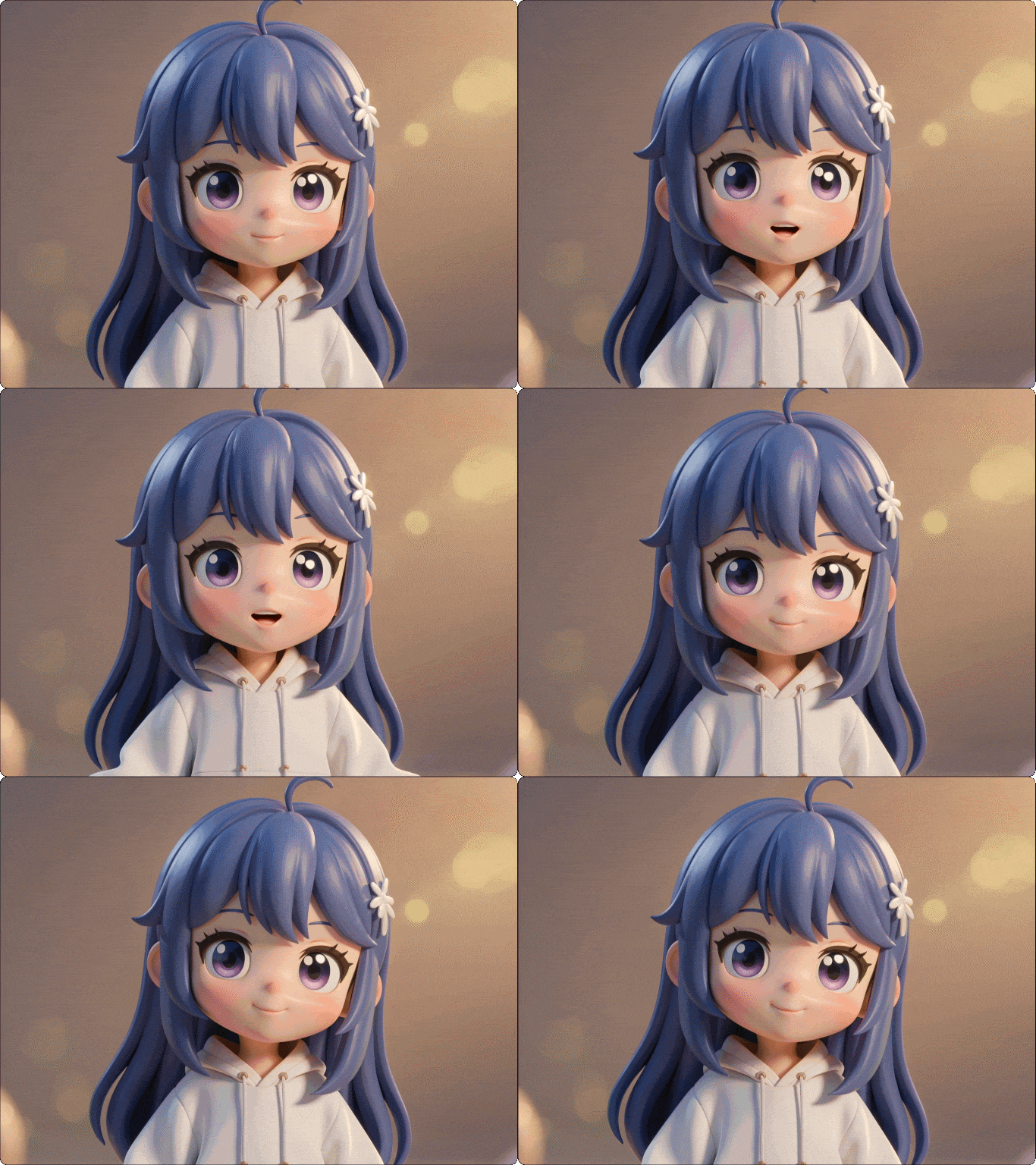
Kling AI 3D Avatar Video - Generate Rich Characters from Text
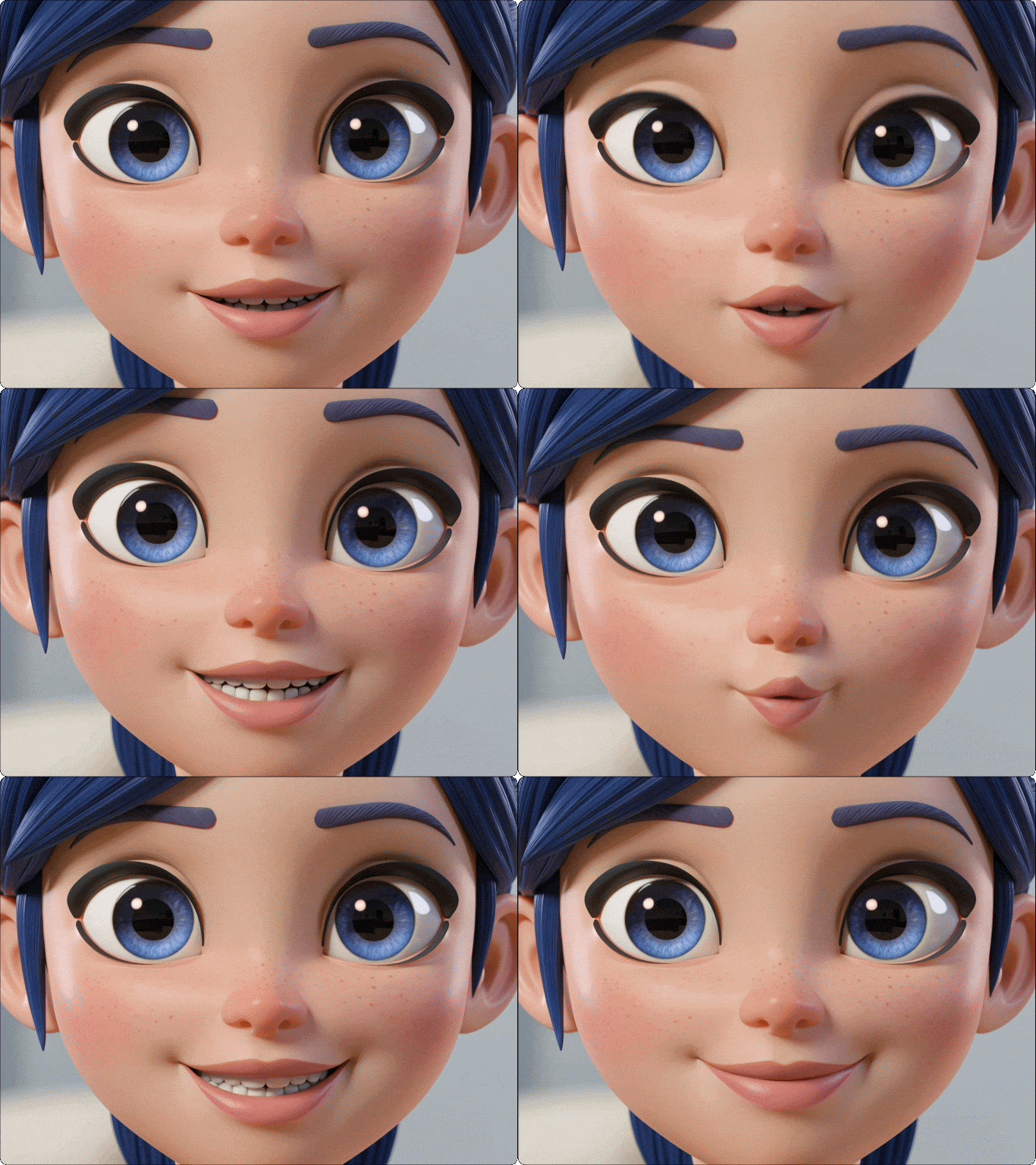
Kling AI text to video works with advanced 3D character generation tools to turn prompt descriptions into fully - realized avatars. Just describe appearance, clothing, and style, then animate your character in video with natural motion and expressive performance - perfect for digital hosts, brand mascots, and storytelling.

All Kling Models in One Place
Access multiple Kling AI text to video models including Kling 3.0 and 2.5 in a single platform. Choose the right balance of quality, speed, and resolution for anything from quick social clips to cinematic 4K videos.

No Editing or Experience Needed
Turn ideas into videos with a simple text to video AI generator workflow. Just enter a prompt and Kling AI handles motion, composition, and rendering—no software, no learning curve.

Free Trial
Start creating with Kling AI text to video free using Dzine's built-in credits. Explore advanced features, test outputs, and validate your ideas before upgrading.

Production-Ready Video Output
Export clean, high-quality videos ready for ads, social media, or client delivery. No watermarks on paid plans, no extra editing - just ready-to-use content from your AI text to video generator.

High-Resolution, Cinematic Quality
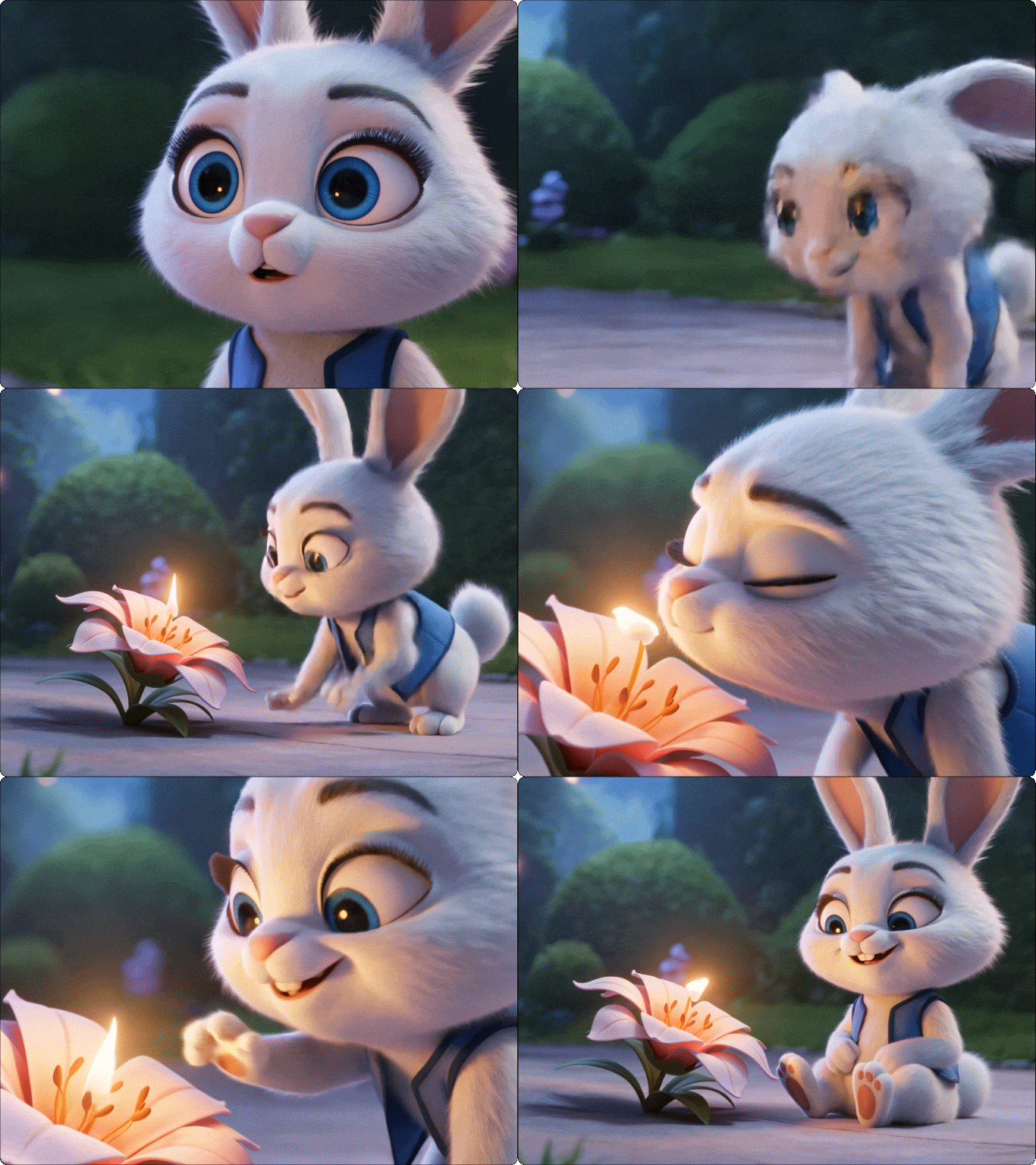
Generate up to 4K videos with smooth motion and detailed visuals. Kling AI text to video delivers results that look polished enough for professional campaigns and brand storytelling.

Create Anywhere, No Setup Required
Use this browser-based text to video AI tool directly on Dzine. No downloads, no GPU, no installation—just open, create, and generate videos from any device.