- Tools
- Resources
- Pricing
- API
- Contact Sales
- Book a Demo


Click or drag here to upload images
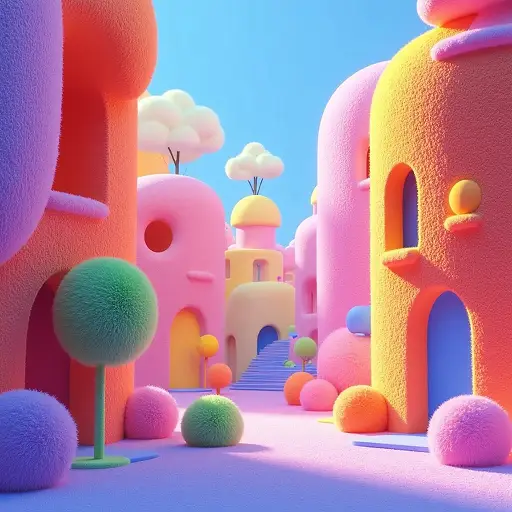
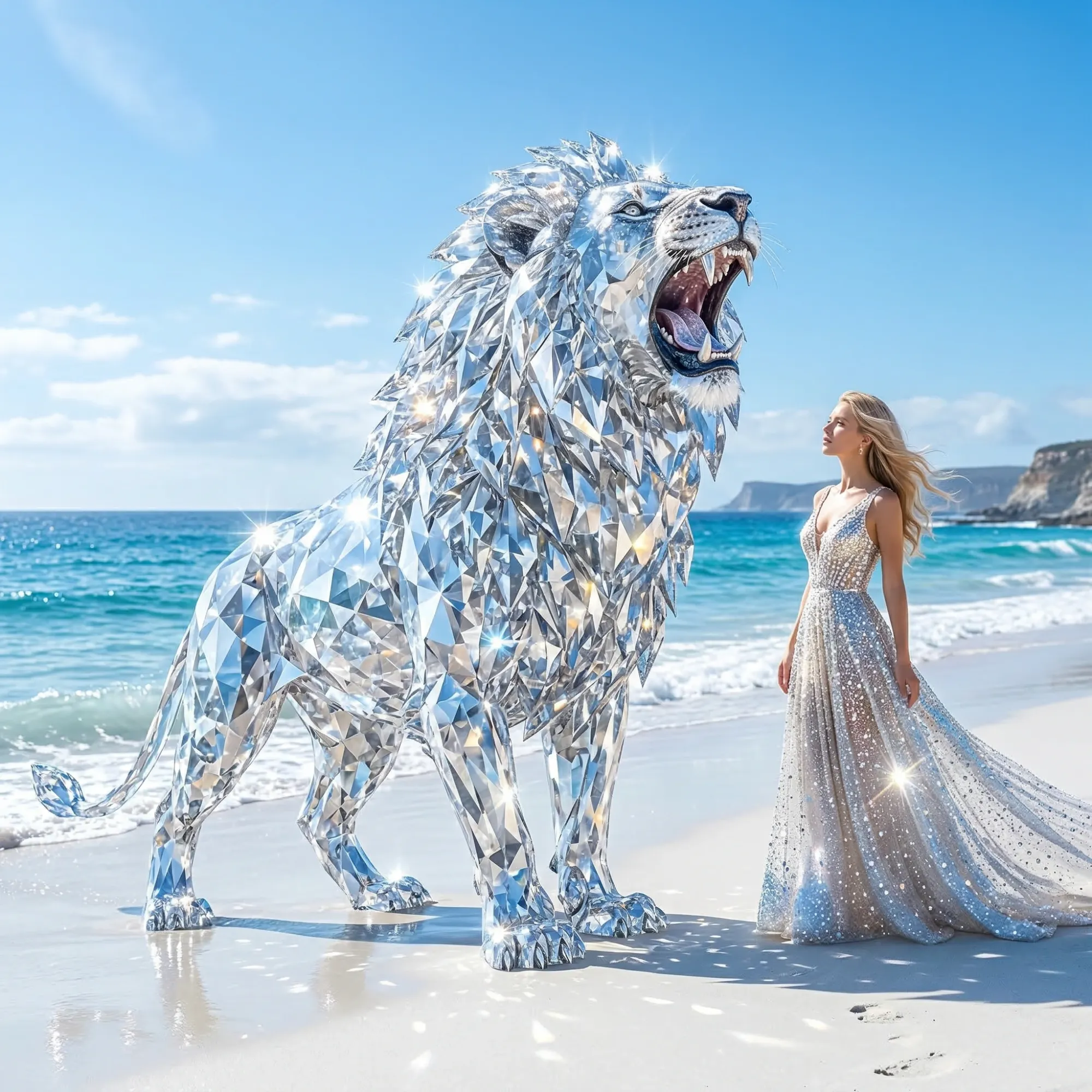



Consistent Character & Scene
Kling 2.1 maintains character identity across all frames. No drifting faces or inconsistent lighting - critical for professional brand content.

No Technical Skills Needed
Upload an image or type a prompt. Kling 2.1 generates a polished video - no editing software or camera experience required.

7-Day Kling 2.1 Free Trial
Test all Kling 2.1 features on Dzine for free. No credit card required - full access to motion control and avatar tools.

Watermark-Free Exports on Paid Plans
Kling 2.1 pricing plans include clean exports. Use videos for commercial campaigns, client work, or social media without branding overlays.

1080P 30FPS Native Output
Kling 2.1 delivers broadcast-quality 1080P video. Ideal for Instagram, YouTube Shorts, and Facebook Reels content.

Browser-Based Access
Use Kling 2.1 on Dzine from any device. No downloads or GPU requirements - generate videos anywhere, anytime.